

Sales & Marketing
Real Estate Presentation Software
Give RISE an Address. Get a CMA.
Formerly MoxiPresent, now built into RISE.
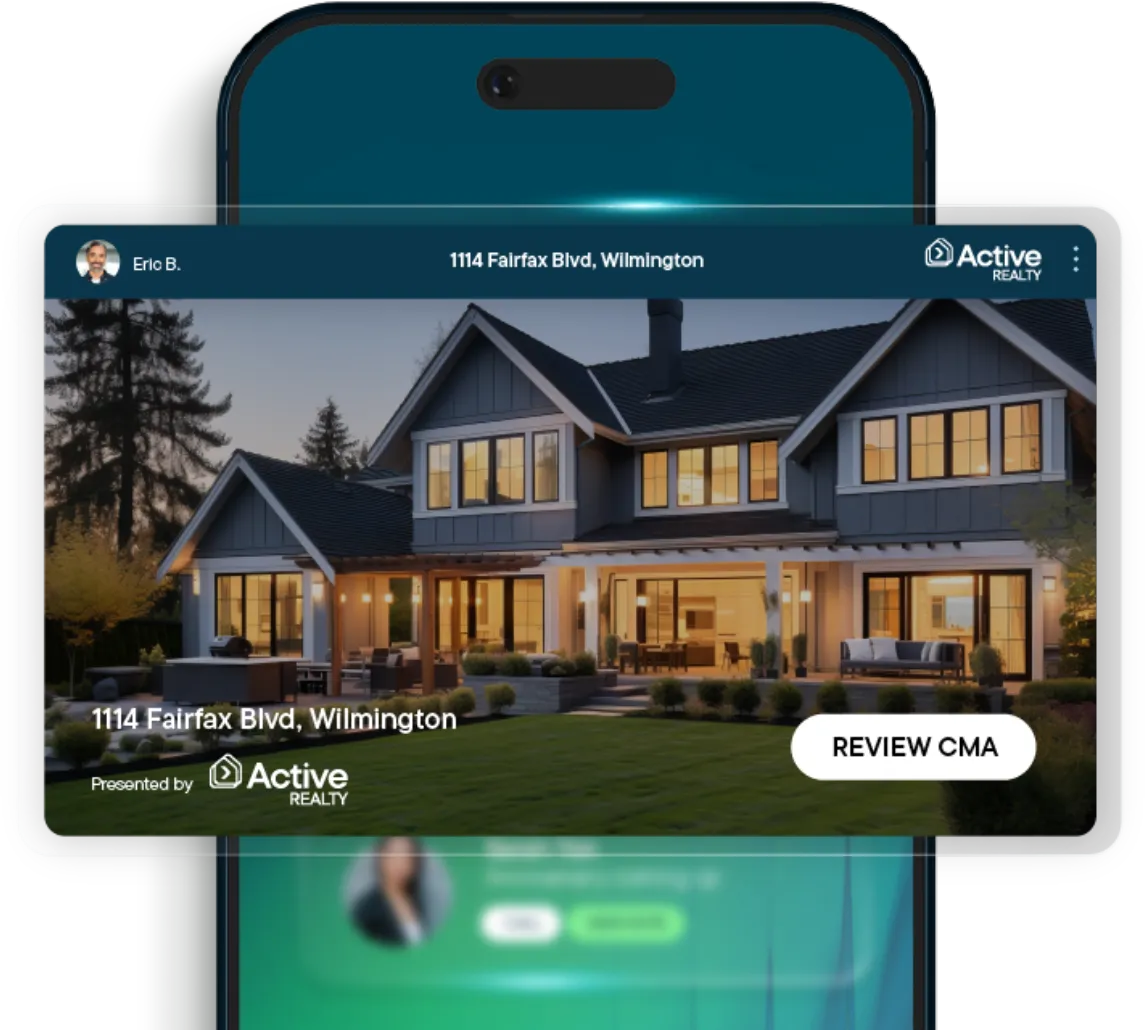
How Our Real Estate CMA Software Works
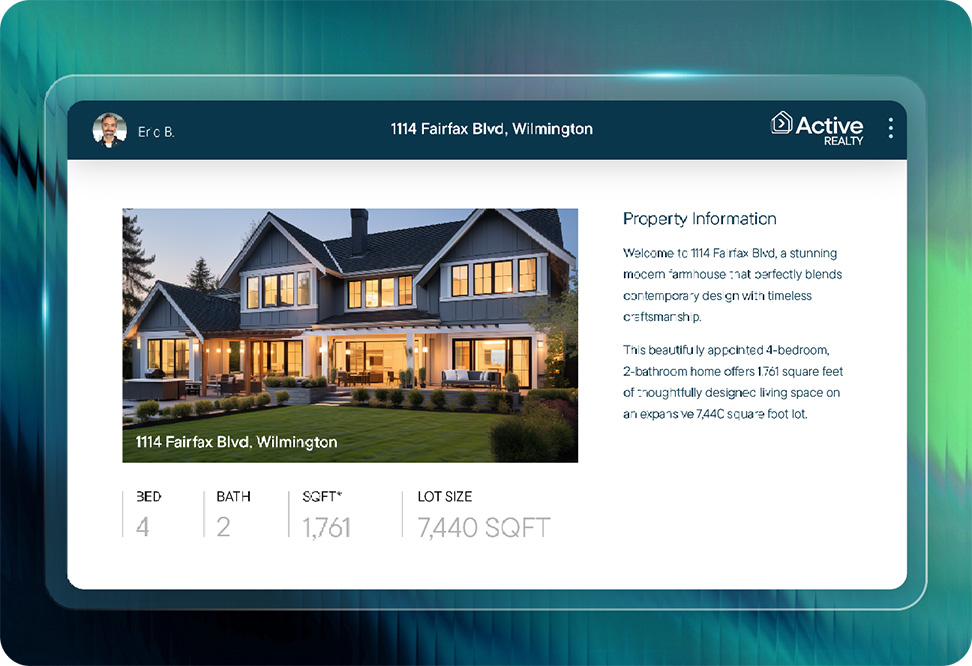
- Enter the property
Add an MLS number and RISE fills in beds, baths, square footage, lot size, year built, school district, and more. - Pick your comps
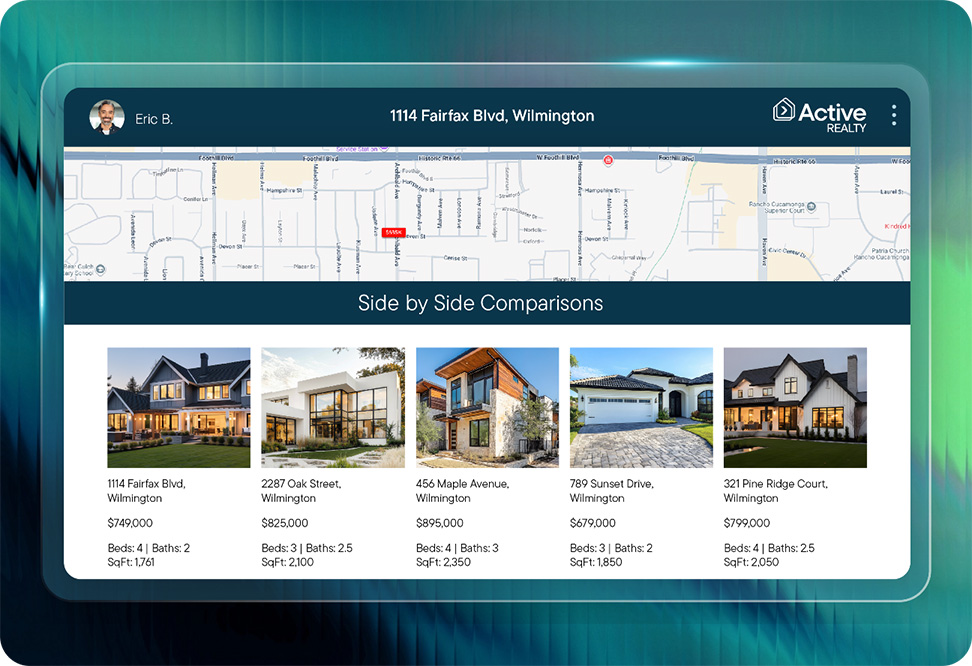
RISE AI recommends up to 20 comps matched to the property. Filter by price, size, status, or sold date, or draw your own boundary on the map. - Adjust and annotate
Compare every comp side by side, adjust values, and add notes your client will see in the presentation. - Present, print, or share
Reorder pages, then present full screen from RISE, export a PDF, or share a link.
Why This Matters for You
Every agent presents like your top producer. RISE locks your brand into every page, so agents never choose fonts, colors, or layouts on their own. They spend prep time on pricing and walk into the appointment with comps, net proceeds, and verified reviews in one presentation.
Every Presentation Your Agents Need
- Seller and Buyer CMAs
Comps, a price estimate, and side-by-side comparisons for listing appointments and buyer consultations. - Buyer Tours
Map every showing, compare listings side by side, and let clients rate and add notes on each home. - Net Proceeds Worksheet
Fill in payoff, fees, and closing costs live at the listing appointment. Net proceeds calculate as you go. - RateMyAgent Reviews
Verified client reviews pull into every agent profile automatically. - Property Review and Non-Listing
Detailed property presentations, plus a general-purpose format for everything else. - Canva Integration
Bring your brokerage’s Canva designs into RISE.
How Does RISE Compare?
Take a look at how RISE Presentations compares to Cloud CMA, BoldTrail Present, RPR and Canva.
RISE Presentations
Cloud CMA
BoldTrail Present
RPR
Canva
Brand locked for every agent
Locked by default on every page
Agents choose theme and font
Branded templates
Agent-branded reports
Brand controls available
Built into your CRM
Native to RISE
Standalone
BoldTrail CRM only
Standalone
Standalone with integrations
AI comp recommendations
Up to 20 picks, matched to the property
Agent picks comps
Agent picks comps
AI recommends comps
No comp tools
Net proceeds inside the presentation
Live worksheet in every CMA
Not included
Net sheet slide
Interactive net sheet
Not included
Verified client reviews
RateMyAgent reviews auto-populate
Review integrations available
—
—
Not included
Buyer tours with client feedback
Ratings and notes on every home
Live buyer tours with likes and comments
Buyer presentations
—
Not included
MLS data

Via Canva Listings
RISE Presentations
Brand locked for every agentLocked by default on every page
Built into your CRMNative to RISE
AI comp recommendationsUp to 20 picks, matched to the property
Net proceeds inside the presentationLive worksheet in every CMA
Verified client reviewsRateMyAgent reviews auto-populate
Buyer tours with client feedbackRatings and notes on every home
MLS data
Cloud CMA
Brand locked for every agentAgents choose theme and font
Built into your CRMStandalone
AI comp recommendationsAgent picks comps
Net proceeds inside the presentationNot included*
Verified client reviewsReview integrations available*
Buyer tours with client feedbackLive buyer tours with likes and comments
MLS data
BoldTrail Present
Brand locked for every agentBranded templates
Built into your CRMBoldTrail CRM only
AI comp recommendationsAgent picks comps
Net proceeds inside the presentationNet sheet slide*
Verified client reviews—*
Buyer tours with client feedbackBuyer presentations
MLS data
RPR
Brand locked for every agentAgent-branded reports
Built into your CRMStandalone
AI comp recommendationsAI recommends comps
Net proceeds inside the presentationInteractive net sheet
Verified client reviews—*
Buyer tours with client feedback—*
MLS data*
*Canva
Brand locked for every agentBrand controls available
Built into your CRMStandalone with integrations
AI comp recommendationsNo comp tools
Net proceeds inside the presentationNot included
Verified client reviewsNot included
Buyer tours with client feedbackNot included
MLS dataVia Canva Listings*
— indicates no comparable capability was confirmed through publicly available product information. Capabilities may vary by plan, market, MLS availability, configuration, and integrations. Competitive information reflects publicly available information as of October 2026.
“I’m not a tech guru, but I have no trouble navigating this platform.”
— Lauren Huffman, Land and Home Group, EXIT Realty Southern
Resources for Your Agents
Adoption is where software wins or loses. We support you and your agents from launch day on, so RISE becomes part of how your team works.


See a brand-consistent CMA built in minutes.
Your Real Estate CMA Questions, Answered.
What is a comparative market analysis (CMA) report?
A comparative market analysis (CMA) shows clients what a home is worth by comparing similar homes, recent sales, and local market trends. It’s the foundation of every listing presentation, buyer presentation, and pricing strategy.
Can I customize my real estate listing presentations?
Yes. Agents can adjust comp values, add notes to any property, and add or reorder pages. Your brokerage branding stays locked on every page, so every presentation looks professional.
Does this CMA software integrate with my CRM?
It’s built into one. RISE Presentations lives inside RISE, so presentations connect to the contacts your agents already work with.
How do I start using CMA tools for real estate?
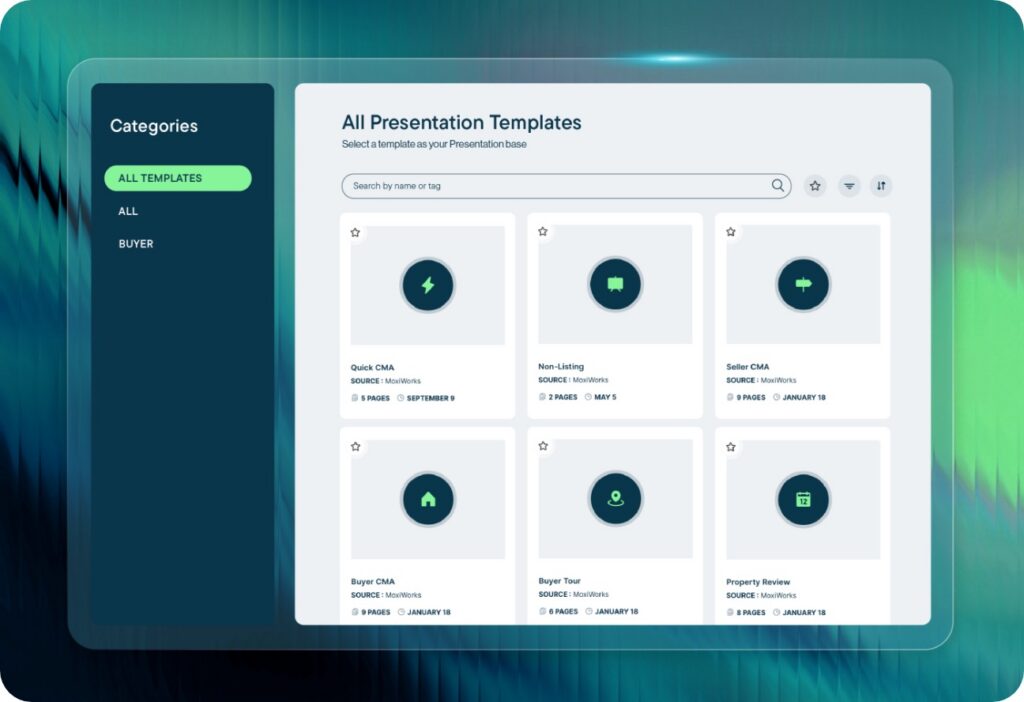
Pick a template (Seller CMA, Buyer CMA, Buyer Tour, Property Review, or Non-Listing), enter the property, and RISE pulls live MLS data and recommends comps. Your branding is applied from the first page.